


Listen to the article
Rovo can summarise work, flag risks and draft updates, with Atlassian reporting faster work starts among adopters. But its usefulness depends on reliable project data, carefully set permissions and human review.
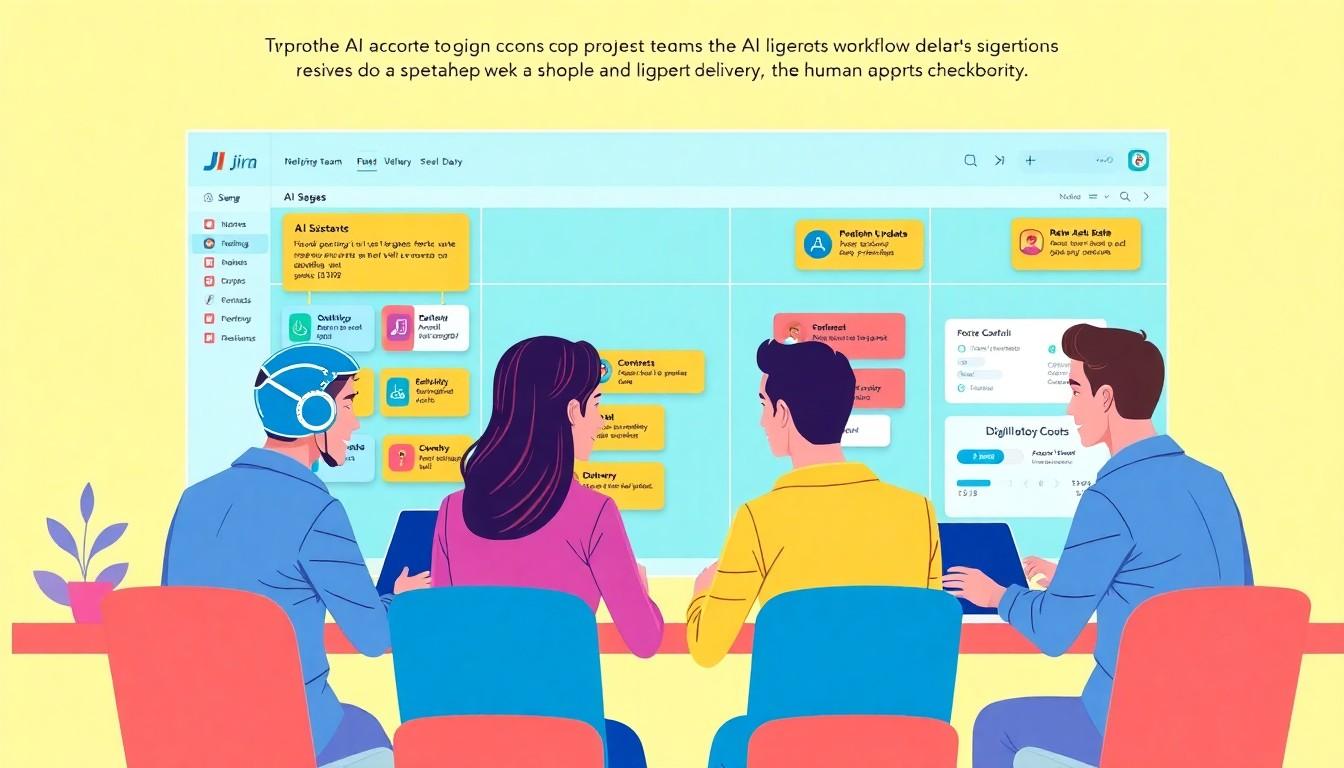
Project managers often have to piece together progress from Jira work items, Confluence documents and discussion threads before they can answer a basic question: is delivery on course? Atlassian’s Rovo agents are designed to reduce that information-gathering burden by helping with defined tasks inside existing project workflows.
The agents can summarise work, identify potential blockers and prepare draft reports. Depending on their setup, tools and permissions, they may also carry out actions such as creating or updating Jira work items. Their value, however, depends on choosing suitable tasks and keeping people responsible for decisions that affect priorities, colleagues and delivery commitments.
Atlassian’s productivity analysis offers one indication of the potential gains, though not a guarantee for every organisation. Comparing Jira users who adopted Rovo with a control group over 45 days, the company found adopters moved an average of 30% more work items into “In Progress” and reduced the time taken to start work by 35% relative to the comparison group. Atlassian translated the latter result into about one day saved every 28 days for a typical user. The company described the findings as an initial assessment of AI’s effects in practice, noting that further questions, including work quality and sprint outcomes, remain to be studied.
Rovo agents can be reached through Rovo Chat or, when configured for collaboration, directly from Jira work items. Atlassian’s documentation says users can assign an enabled agent to an item, mention it in a comment or involve it in supported workflow steps. That collaboration experience is labelled beta, and an agent’s presence in a Jira environment does not mean it is available on every item or able to perform every requested action.
For routine project checks, an agent can gather overdue work, unresolved blockers and recent changes across the Jira projects its user can access. Atlassian’s Jira Delivery Agent is designed to assess delivery risks, prepare stand-up digests and draft stakeholder updates. It can flag stale work, slipping deadlines, dependencies and possible gaps in ownership, while suggesting follow-up steps. The quality of its analysis depends on the information recorded in Jira and the access available to it.
Agents can also help organise backlogs by proposing smaller tasks from a large initiative, or by drafting work-item descriptions and acceptance criteria. These suggestions can give a team material to review during backlog refinement, but they do not settle questions of scope, sequencing or priority. Project managers and delivery teams still need to confirm what should be done and whether the proposed breakdown reflects the work involved.
Reporting is another plausible use. A project manager might arrange for an agent to prepare a weekly summary of completed work, outstanding items and changes in scope. Jira Delivery Agent can be used on demand or configured for recurring activities such as stand-ups and stakeholder updates. The project manager can then check the draft, add business context and decide what is appropriate to share.
The same principle applies to risk monitoring and documentation. An agent may surface tickets that have remained in one status for too long, identify unresolved dependencies or assemble information for release notes and handover documents. These outputs can direct attention to issues that warrant investigation, but they are only as reliable as the underlying records and the agent’s configuration.
Custom agents can be created and edited in Atlassian’s Rovo Studio, using natural-language instructions as well as chosen knowledge sources and tools. Atlassian’s guidance also allows configuration of an agent’s behaviour, skills and other settings. The available functions are determined by the tools selected; creating an agent does not give it unrestricted access. Some integrations and administrative tasks may require additional support.
Rovo can also connect to external services through Model Context Protocol integrations. Atlassian lists options including Figma and Amplitude, but access depends on administrator enablement, plan eligibility, a connected account and the relevant permissions. These integrations should not be assumed to be available or active in every organisation.
Choosing appropriate permissions is central to safe delegation. Atlassian says agents and their tools respect existing access controls: they cannot see or change material that the user is not authorised to access. Third-party connections require users to grant access, and some consequential actions may prompt for confirmation. Teams should check which tools an agent has, what data it can use and whether any changes require approval.
The clearest tasks to delegate are bounded and easy to verify: summarising a sprint, collecting overdue items or drafting a status update. Rather than asking an agent broadly to “manage delivery”, a project manager can specify the project, the information to review and the format of the result. Atlassian’s documentation recommends refining instructions when an agent’s responses are unexpected.
Human judgement remains essential wherever the available data cannot capture the full situation. Jira may show assigned work, but not necessarily a colleague’s competing responsibilities, specialist knowledge or planned absence. An agent can highlight a possible workload imbalance; the project manager must check the circumstances and discuss any change with the team.
Strategic choices and stakeholder negotiations also require accountable decision-makers. When a customer’s urgent defect competes with a promised feature, an agent may summarise the work and identify dependencies, but it cannot weigh every commercial commitment or relationship. Similarly, it can help estimate the impact of a late scope request without deciding whether to accept it or renegotiate a release date.
A cautious approach is to test agents manually, inspect their results and adjust their instructions before putting them into recurring automation. Once outputs prove useful, teams can schedule routine work while retaining review for changes to ownership, deadlines, scope or external communications. Capabilities and availability vary by configuration, so organisations should verify how an agent behaves in their own Jira environment rather than assume that examples apply universally.
Rovo agents can reduce repetitive coordination and make project information easier to act on. Their most practical role is to prepare, organise and flag information; the project manager remains responsible for interpreting it, setting direction and approving consequential decisions.
Source Reference Map
Inspired by headline at: [1]
Sources by paragraph:
Source: Fuse Wire Services