


Listen to the article
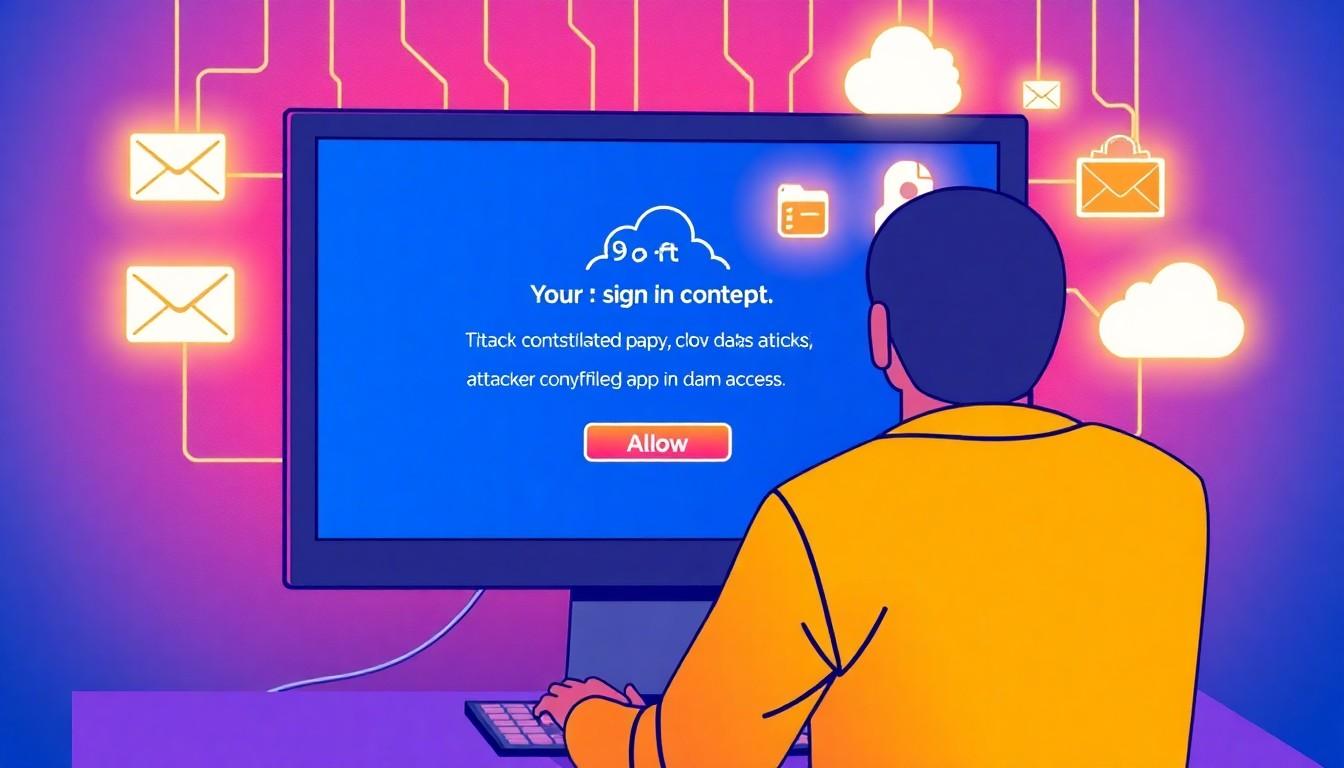
Consent phishing exploits genuine sign-in screens to trick people into authorising attacker-controlled apps, potentially giving them access to email, files and other cloud data.
A phishing attempt does not always ask for a password. It may instead steer someone towards an “Allow” prompt, where a single approval can give an application access to email, files or other account data.
The screen may be genuine: Microsoft or Google may be handling the sign-in and consent process. But that does not make the app requesting access safe. Microsoft’s guidance on consent phishing explains that a malicious app can obtain permission directly from a user, rather than stealing their credentials. Depending on the access granted, it may continue using that permission after the person has logged out.
Microsoft reported that campaigns observed from mid-2025 into mid-2026 included callers posing as IT support and persuading employees to approve attacker-controlled applications. In some cases, the apps were disguised as Salesforce Data Loader, and the permissions granted could be used to make API calls and explore data in connected services. Microsoft said these attacks exploited trusted authorisation processes, rather than relying necessarily on malware or stolen passwords.
The technique works because app authorisation is not the same as handing over a password. Microsoft’s guidance explains that OAuth allows an app to use a token to access specified information, within the permissions granted. That can be useful for legitimate services, but it also means an unexpected consent request deserves scrutiny. A convincing screen, familiar-looking name or real identity provider does not establish that the app or its publisher is trustworthy.
Microsoft advises organisations to limit user consent, review permissions and monitor connected applications for suspicious activity. Its guidance also notes that disabling a harmful app can stop it requesting new tokens, while existing access tokens may remain valid until they expire. For individuals, the immediate response is simpler: refuse an approval request that was not expected, and contact IT using a number or channel already known to be genuine. Do not rely on contact details supplied by the caller or website making the request.
Related identity scams can use similar pressure tactics without following precisely the same app-consent route. In a separate account of cloud intrusions, Microsoft described callers claiming that passkey, multi-factor authentication or single sign-on settings needed urgent attention, then directing victims towards deceptive sign-in or authorisation steps. The company recommends that organisations train staff to recognise such approaches and investigate suspicious activity across identity and cloud services.
The key distinction is between the legitimacy of the consent screen and the safety of the app behind it. Before approving access, check whether the request was expected, who published the app and whether the permissions make sense. If anything is unclear, stop and verify independently.
Source Reference Map
Inspired by headline at: [1]
Sources by paragraph:
Source: Fuse Wire Services